

Composer 2.8: constrain updates and keep audit failures visible

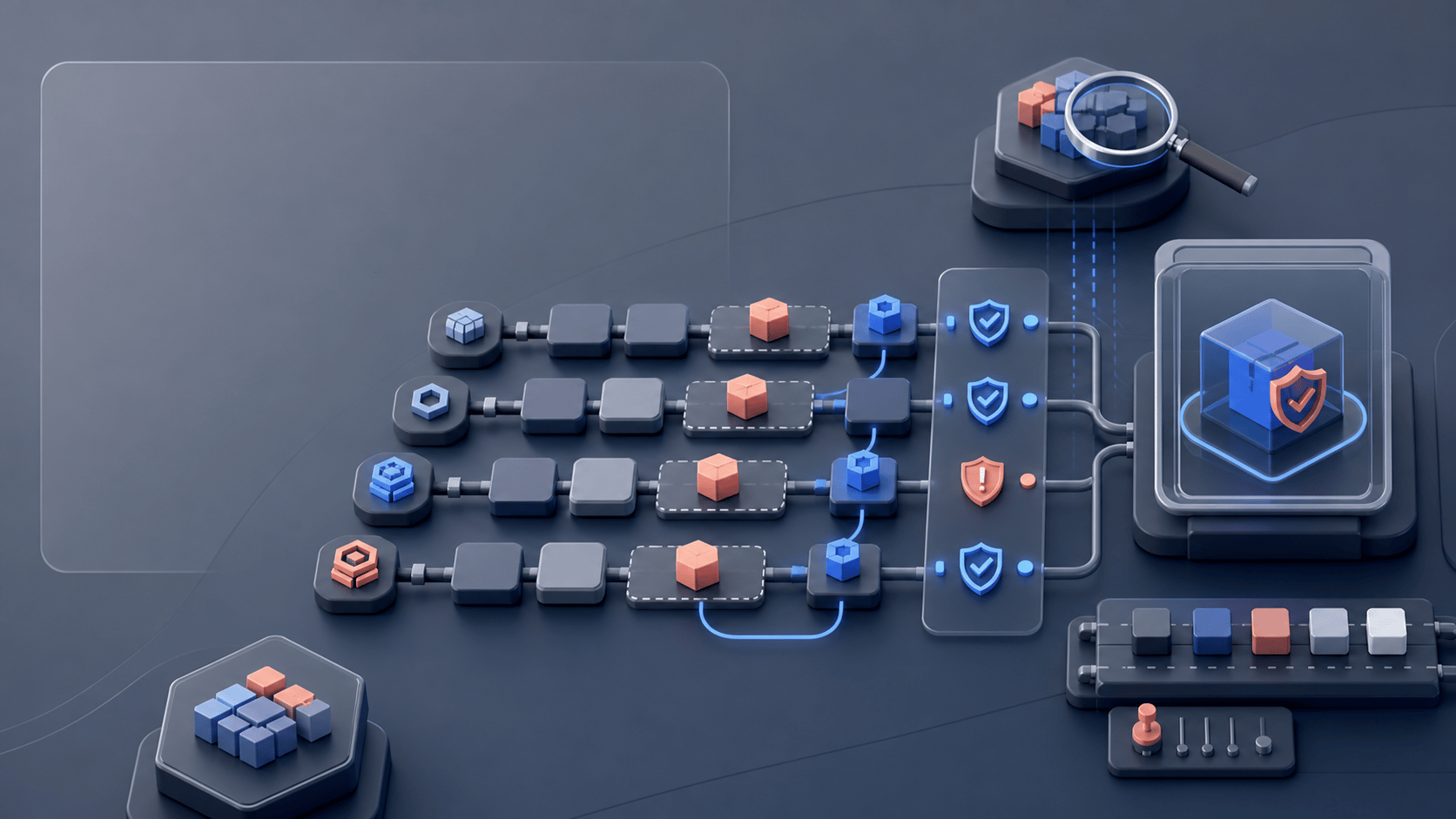
Use patch-only updates as a scope control, retain audit evidence, and detect ambiguous autoloading without treating a small version change as a safety guarantee.
A patch constraint controls scope, not compatibility
Composer 2.8.0 was released on 2 October 2024. Its --patch-only update option restricts updates of locked packages to their current minor lines. The same release added audit overrides for abandonment and advisory severity, plus strict duplicate-class detection during autoload generation.
This article is for maintainers deciding how much dependency change a maintenance task permits. The reproduction uses Composer 2.8.0 and PHP 8.3.35, tested on 12 October 2026. It checks historical behavior, not whether this is an appropriate tool version for a new application.
Observe what patch-only selects
The local repository starts with fixture/library locked at 1.0.0 under a ^1.0 root requirement. It also offers 1.0.1 and 1.1.0. An unrestricted update selects 1.1.0. Running the exact script below selects 1.0.1 instead.
Use the downloadable runner to create both starting graphs and compare the resulting locks. This script changes the fixture lock file; --no-install skips installation and --no-audit skips the post-update report. Plugins and project scripts are disabled. These are controlled solver conditions, not an application deployment command.
#!/bin/sh
set -eu

composer update --patch-only \
  --no-install --no-audit --no-plugins --no-scripts
A required minor upgrade cannot fit a patch-only task
Raising the root requirement to ^1.1 while retaining the 1.0.1 lock and --patch-only makes this fixture fail with exit code 2. The failed solve preserves the lock bytes. The declared requirement and the patch-only restriction have no common version in the fixture.
I recommend that you widen the maintenance task explicitly when its required fix lives outside the allowed minor line. Keep the original lock while investigating. Deleting it discards the starting graph; it does not explain which constraint should change.
The separate --bump-after-update option can raise lower bounds in composer.json. That narrows what consumers may install from a reusable library. It is a compatibility decision separate from selecting a new lock file, and is not enabled in this reproduction.
Keep the audit status when saving its report
Composer 2.8 provides --abandoned to choose how an audit handles abandoned packages and --ignore-severity to exclude advisory severities. Filtering changes which findings affect the report; it does not change a dependency or prove a finding is unreachable.
The wrapper below was executed against an invented abandoned metapackage. Composer returned 1. The wrapper printed the same JSON bytes it saved to audit.json and still returned 1. In the comparison case, the direct audit with --abandoned=report returned 0. The explicit fail policy therefore matters even when a report file exists.
#!/bin/sh
set -eu

status=0
composer audit --locked --abandoned=fail --format=json > audit.json || status=$?
cat audit.json
exit "$status"
An empty offline report is not a security clearance
The reproduction disables Packagist and uses only synthetic metadata. Its abandonment result says nothing about known vulnerabilities in real packages. A production audit needs the configured repositories and their advisory data; an unavailable feed is a different outcome from a report with no findings.
I recommend that you keep a complete report when filtering is necessary and name who owns the excluded findings. An abandoned dependency may need a replacement plan, while a reported vulnerability needs an assessment of the affected versions and application exposure.
Detect duplicate classes separately
The fixture writes two PHP files defining Fixture\Duplicate, then runs composer dump-autoload --optimize --strict-ambiguous. Composer 2.8.0 returns 2 and names the duplicate. Removing the second definition makes the same command return 0. This tests the generated class map, not whether the remaining class behaves correctly.
Download the source bundle and run python3 frontend/scripts/verify-composer.py from the extracted folder. Docker and Python 3 are required; only the image build needs external network access. The result includes the selected package versions, expected failures and exact Composer binary hashes.
These invented metapackages contain no application code. Neither a successful patch-only resolution nor a repaired class map proves an application upgrade works. I recommend that you run the changed application paths against the resulting lock and check the target PHP platform before accepting it.
Reproduce the examples
Download the synthetic package repositories, six shell examples, pinned runtime and assertions. Requires Docker and Python 3; no repository account is needed.
Download the source and tests (.zip)