

Auto-install AI agents for any project
AutoAgents is an open-source CLI and registry. It detects a project's stack and AI framework, then installs matching community-maintained agents into Claude Code, Cursor, Windsurf or Codex.
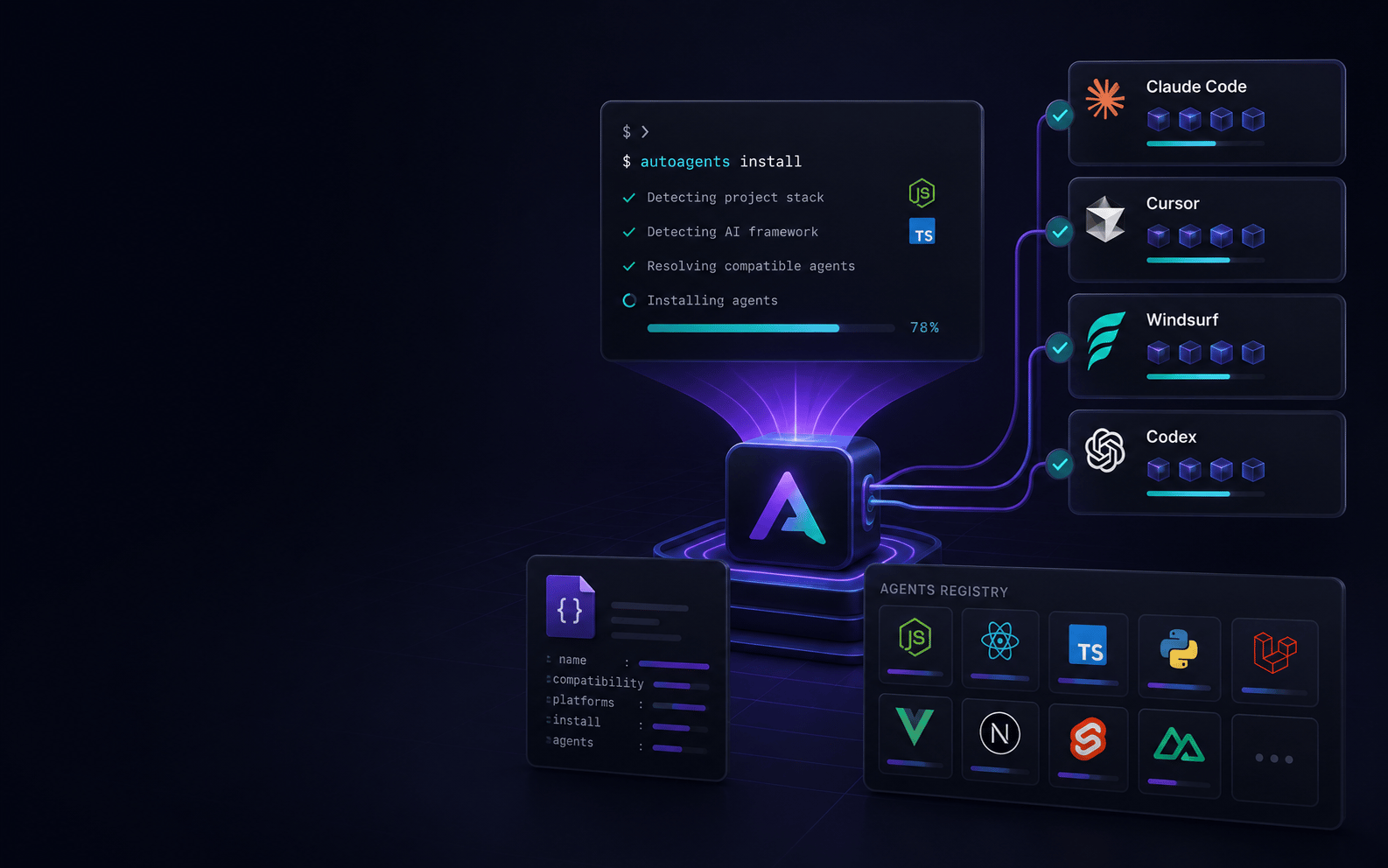
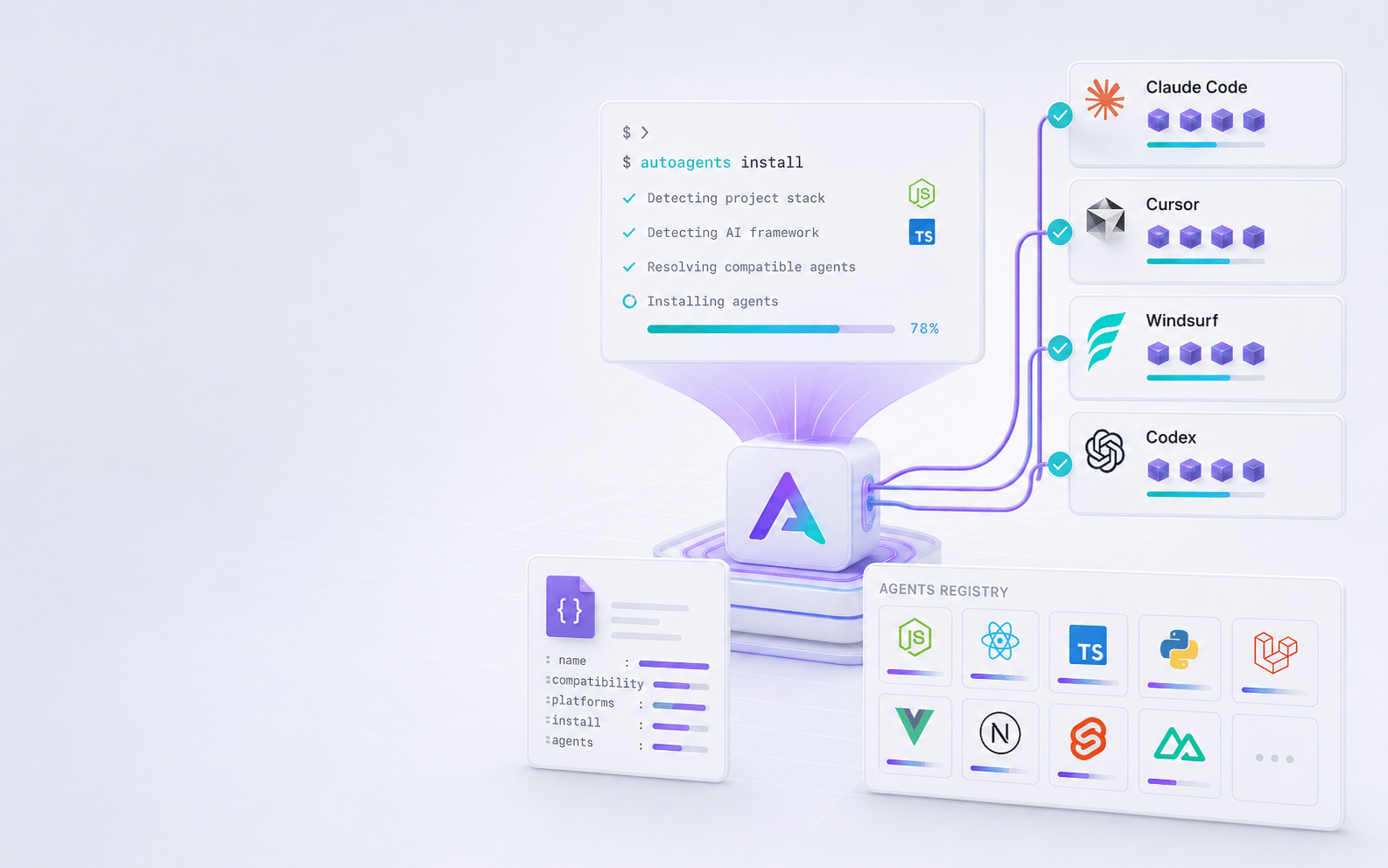
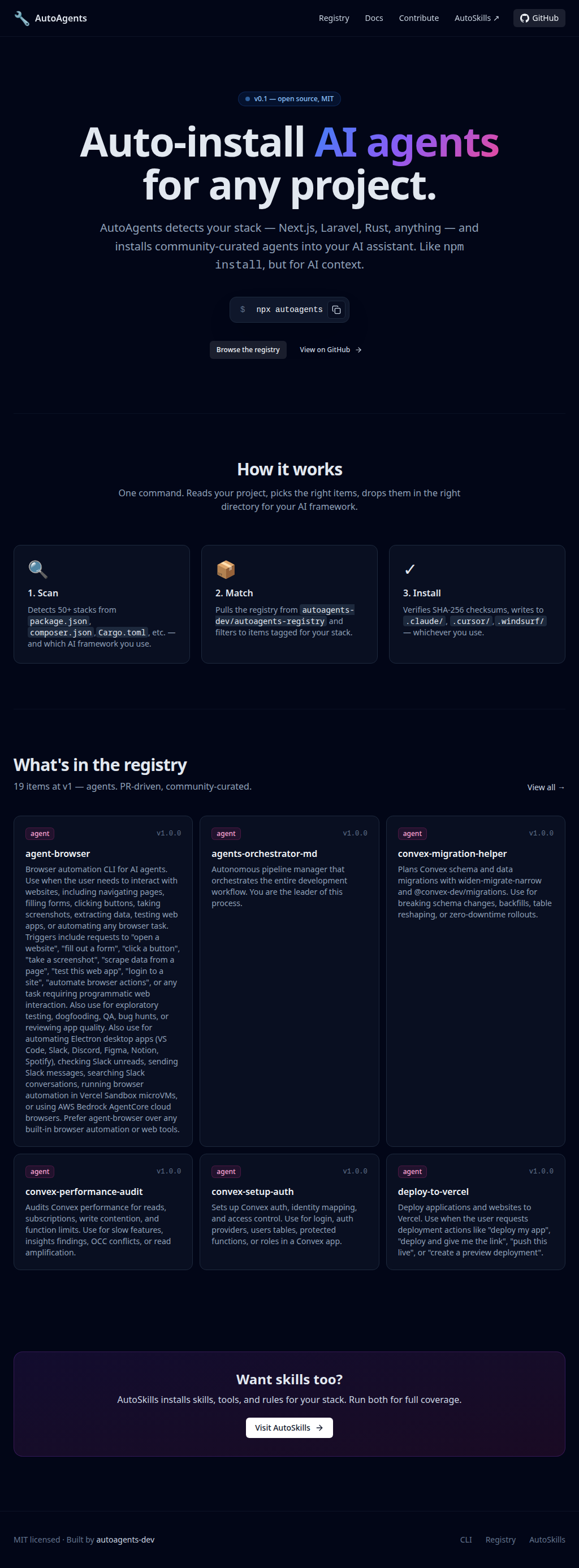
Agent setup works like a package manager. Scan the repo, match the stack and editor, then install the agents into the right assistant directory.
Where they were stuck.
Teams trying coding agents were copying prompts and agent files by hand. AutoAgents needed a site that explained deterministic matching, registry installs and agent setup across editors, with setup as simple as `npm install`.
How we shipped it.
- 01
Described the CLI in terms developers know. It installs the right agents for the current repo, so nobody has to browse and copy files by hand.
- 02
Built the homepage to show the scan, match and install steps, with live registry items above the fold.
- 03
Linked the CLI, registry and website, with clear paths for the `plan`, `suggest` and direct install commands.
- 04
Compared AutoAgents to package management and showed the real target directories: `.claude/agents/`, `.cursor/agents/`, `.windsurf/agents/` and `.codex/agents/`.